
Data Factory parametrization via external mapping/config tables
Hitting a limits of 256 paramters in Data Factory, or maybe you are tired to parametrizing dozens of pipelines. If yes, this blog entry is for you.
How to access onedrive files using Graph API? Currently there are two ways, those are delegated and application flows, and in this article I’ll briefly explain both.

How to update (merge) your app setting without overriding them using Azure Bicep? Let me show you :)
Need to build WIKI flows in automated way for Azure Data Factory? Here’s how!
If you need to set up CI/CD for your Data Factory, here is how to do it in less than 30 minutes!
Excel files are one of the most commonly used file format on the market. Popularity of the tool itself among the business users, business analysts and data engineers is driven by its flexibility, ease of use, powerful integration features and low price.
Deep-dive episode on implementing end-2-end email notifications in Azure Data Factory. In this episode I will describe out of the box options with Azure Monitor and explain why Logic Apps are better choice.
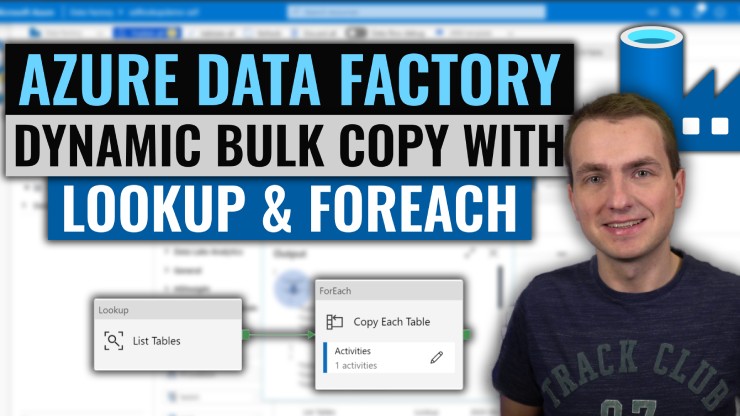
With Azure Data Factory Lookup and ForEach activities you can perform dynamic copies of your data tables in bulk within a single pipeline.
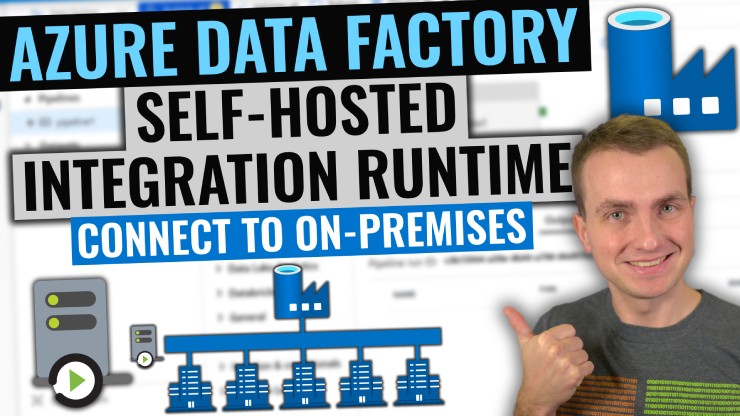
With Azure Data Factory Self-hosted integration runtime, you can now integrate your on-premise, virtual private network data sources as well as those which require your own drivers.
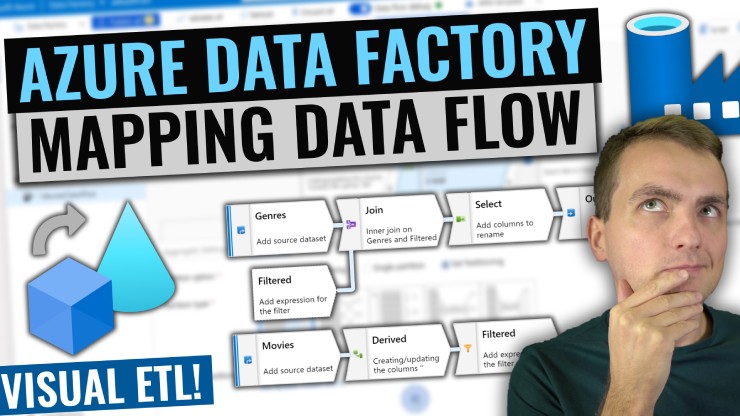
With Azure Data Factory Mapping Data Flow, you can create fast and scalable on-demand transformations by using visual user interface. In just minutes you can leverage power of Spark with not a single line of code written.