Highlight
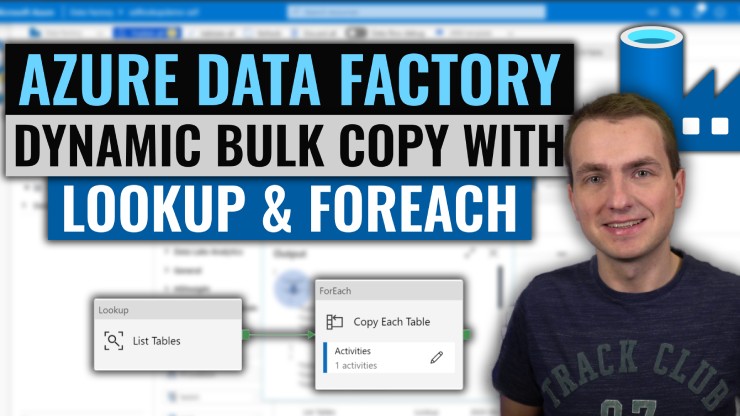
With Azure Data Factory Lookup and ForEach activities you can perform dynamic copies of your data tables in bulk within a single pipeline.
Intro
In this episode I will show you how to perform bulk copies with ADF.
Source code for demos: https://github.com/MarczakIO/azure4everyone-samples/tree/master/azure-data-factory-lookup-activity
In this episode live demo of ADF lookup activity in SQL to Blob export scenario and how to control this using metadata table.
Video
Next steps for you after watching the video
- ADF bulk copy scenario
- Lookup Activity docs
- ForEach Activity docs

