Highlight
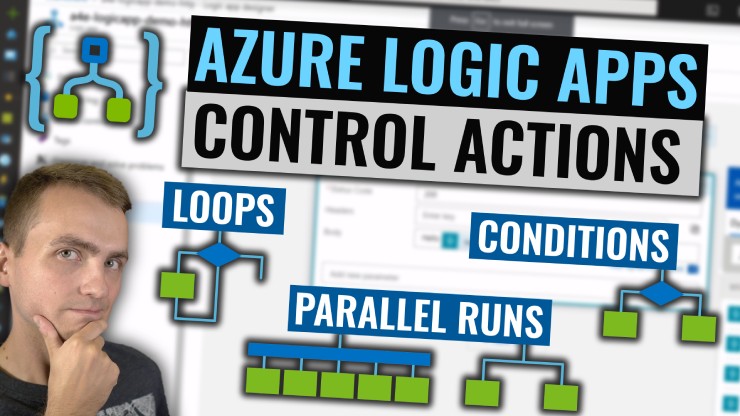
Using conditions, loops and parallel execution allows developers to implement much more complex Enterprise Integration scenarios using Azure Logic Apps. All those actions are available through Control Actions group which we will learn all about Today.
Intro
In this episode I will cover basics of Logic Apps Control Actions with live demo of parallel execution, conditions, loops as well as terminate and scope actions.
Agenda
In today episode I will cover
- Overview of key workflow components
- Demo of Parallel Execution
- Demo of Conditional Execution using If-else Condition block
- Demo of Conditional Execution using Switch block
- Demo of For-each loop
- Demo of Until loop
- Demo of Terminate block
- Demo of Scope block
All of this using real world scenarios.
Video
Final thoughts
With conditions and loops you can now build even more complex solutions and solve any of your business needs. But always remember to keep logic app flow simple as the pricing might get quickly out of hand when executing workflows rapidly.
Next steps for you after watching the video
- Check logic apps docs
- Check workflow execution docs
- Read Azure Jumpstart if you want to start with Azure and need a subscription

