Highlight
Did you try to query Azure Management REST API from Power Query? Did you notice paging doesn’t work… yeah…
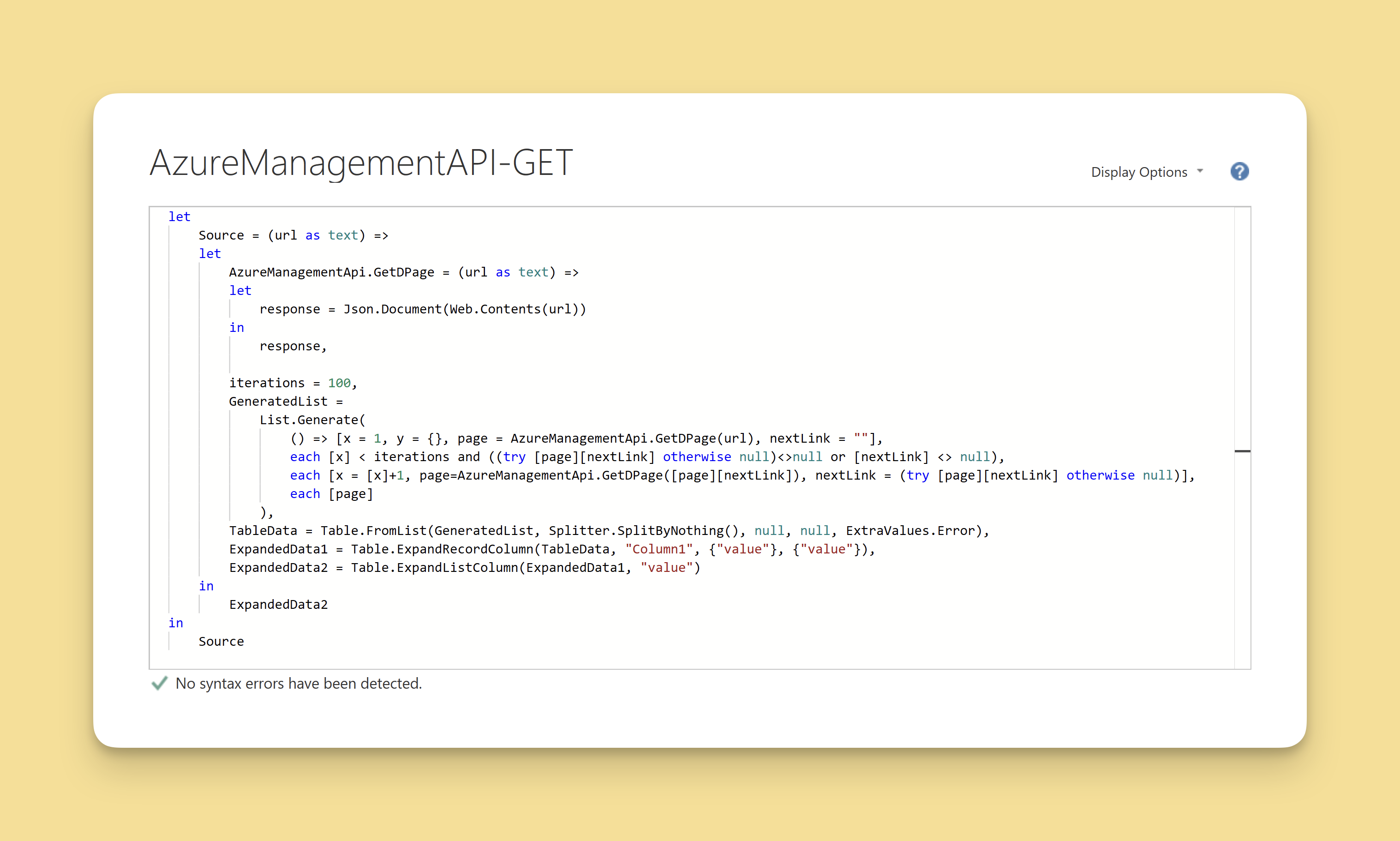
But there is a solution using Power BI custom functions. And he is my sample for you to copy-paste 🙂.
Intro
Code
Paste below into advanced editor.
let
    Source = (url as text) =>
    let
        AzureManagementApi.GetDPage = (url as text) =>
        let
            response = Json.Document(Web.Contents(url))
        in
            response,

        iterations = 100,
        GeneratedList =
            List.Generate(
                () => [x = 1, y = {}, page = AzureManagementApi.GetDPage(url), nextLink = ""],
                each [x] < iterations and ((try [page][nextLink] otherwise null)<>null or [nextLink] <> null),
                each [x = [x]+1, page=AzureManagementApi.GetDPage([page][nextLink]), nextLink = (try [page][nextLink] otherwise null)],
                each [page]
            ),
        TableData = Table.FromList(GeneratedList, Splitter.SplitByNothing(), null, null, ExtraValues.Error),
        ExpandedData1 = Table.ExpandRecordColumn(TableData, "Column1", {"value"}, {"value"}),
        ExpandedData2 = Table.ExpandListColumn(ExpandedData1, "value")
    in
        ExpandedData2
in
    Source
Next Actions
Here are some recommendations from me on what you can check out next if you want to learn more

